Budget Blueprint is a desktop budgeting app for Mac. It tracks your bills, spending, savings goals and debt in one place, and your budget lives on your device, not someone else's servers.
Why a desktop budget app?
Phone apps are handy for a quick check, but planning a month of bills on a tiny screen is hard work. On your Mac you get a big screen, a full keyboard, and room to see your whole month at once.
- See everything at once. Bills, spending and savings side by side.
- Your budget stays on your Mac. It isn't stored on someone else's servers.
- Works offline. Once it's installed, budgeting works without an internet connection.
What it does
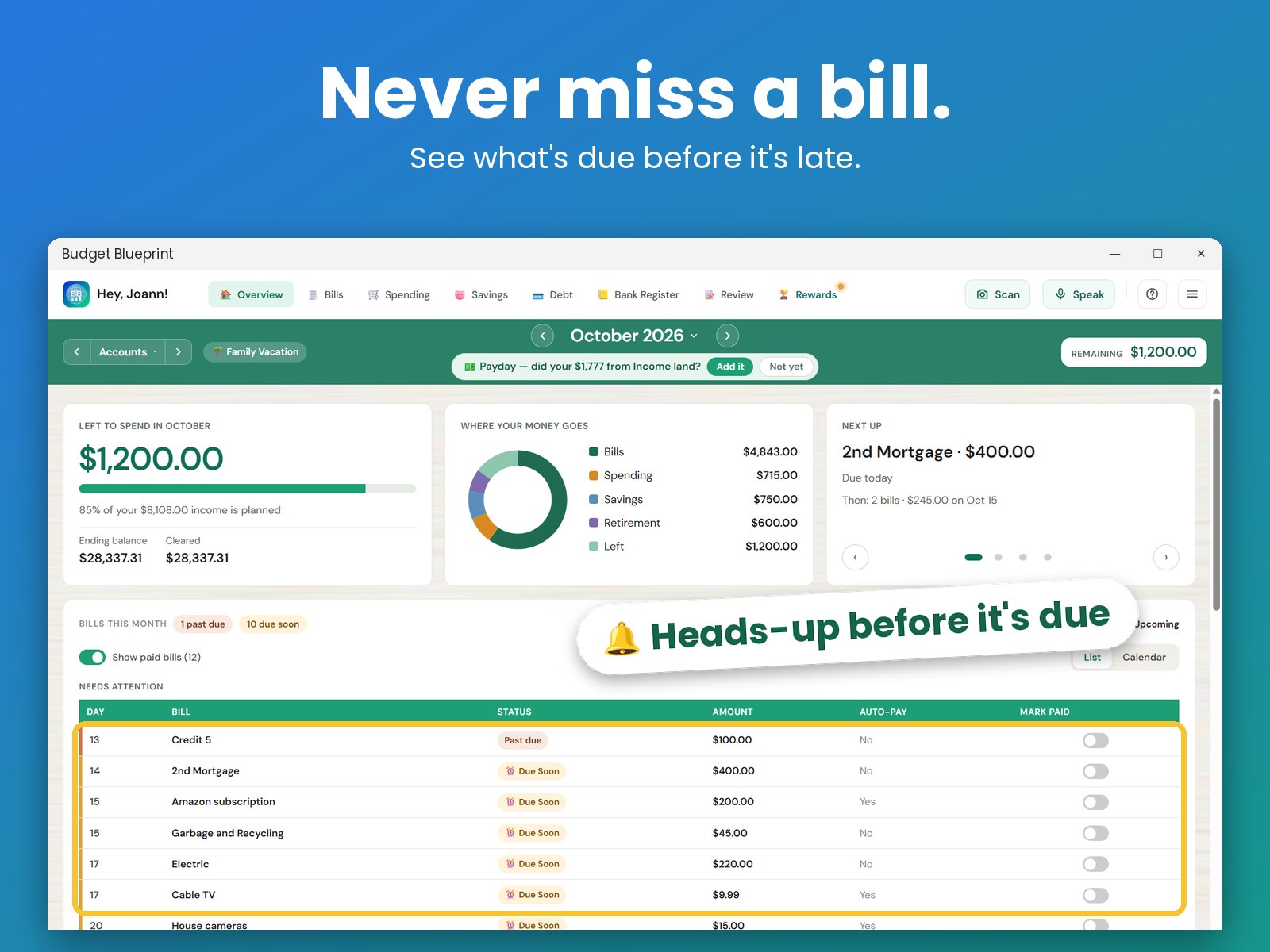
- Bills: see what's due before it's late, so you can pay on time.
- Spending: set a budget for each category and see where your money goes.
- Savings goals: track progress toward the things you're saving for.
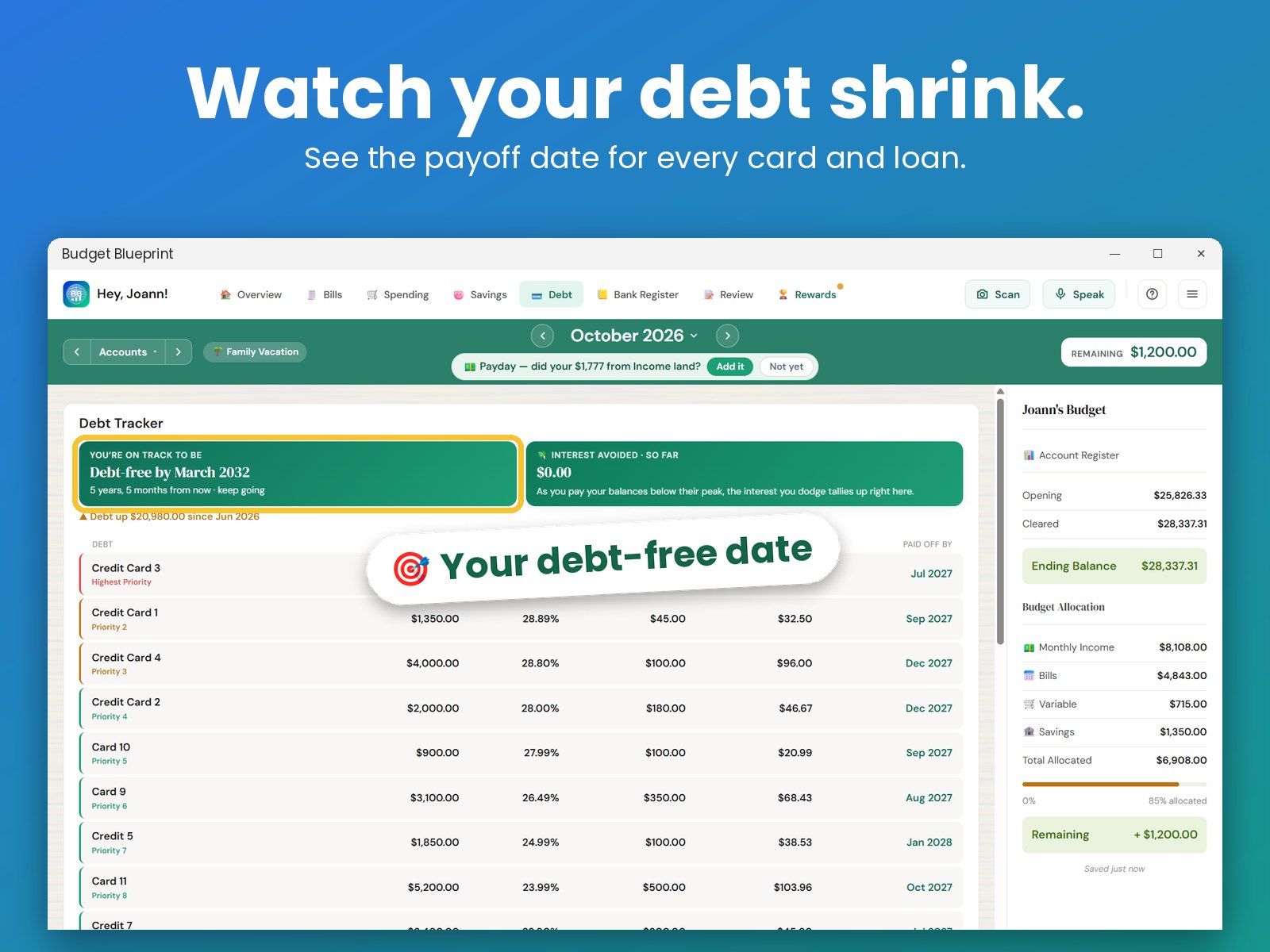
- Debt: track what you owe and see your debt-free date.
- Scan your bills: from paper or a screenshot. It fills in the name, amount and due date.
- Month calendar: every bill on its day, with your paydays.
- Snap a receipt: it reads the store, date and total for you. Just check and save.
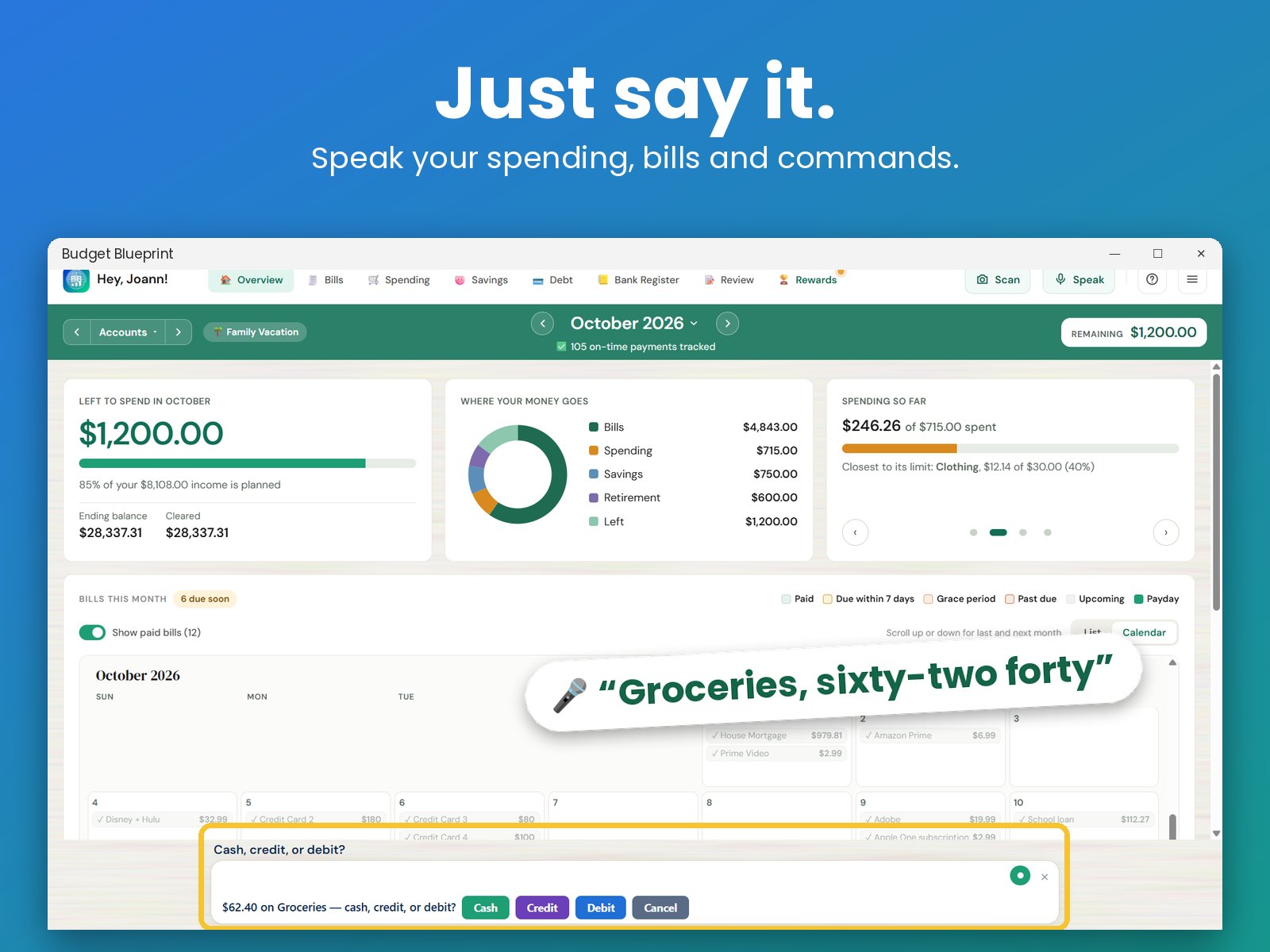
- Just say it: “I spent $42 at the grocery store,” and it goes right into your budget.
How it compares
- Buy once and own it. Every other app on our list is subscription-only. Budget Blueprint lets you pay once, or choose a monthly plan if you prefer.
- One purchase, Mac and Windows. A one-time purchase covers both, so you can budget on whichever computer you're using.
Works with your iPhone and iPad too
Budget Blueprint is also on iPhone, iPad and Windows. A monthly subscription works on all of them, and optional sync keeps your devices up to date through a folder you choose.
Free to use, with every feature free for 30 days
Try every feature free for 30 days. After that, keep using Budget Blueprint for free for as long as you like, with a few limits: up to 8 bills, 8 spending categories, 2 income streams and 1 savings goal.
Want no limits, plus voice entry and sync? Buy it once from $9.99 and it's yours to keep, or choose a monthly plan from $3.99. One-time purchases from our website come with a 30-day money-back guarantee.
Questions
Does it work offline?
Yes. Once it's installed, budgeting works without a connection. Voice entry and sync use the internet only when you choose to use them.
Do I need to create an account or connect my bank?
No. You don't need an account, and there are no bank connections. You enter your numbers yourself, by typing, speaking or snapping a receipt.
Can I use it on Windows too?
Yes. A one-time purchase covers both Windows and Mac, and monthly plans also work on iPhone and iPad. See the budget app for Windows page.
Is there an iPhone or iPad version?
Free to use · every feature free for 30 days