✓ Works 100% offline
✓ Your data stays on your device
✓ Own it or subscribe — your choice
✓ Windows and Mac included
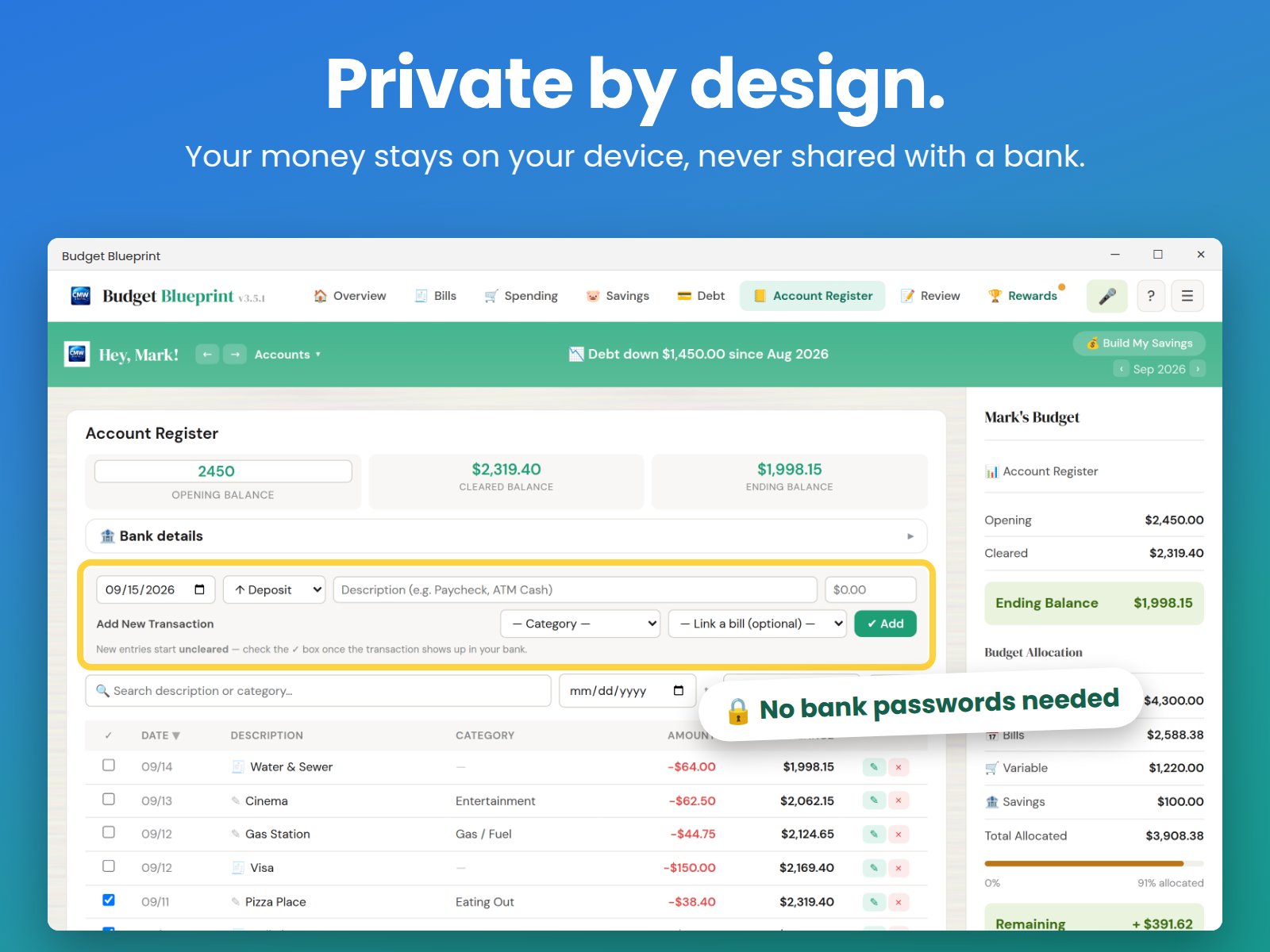
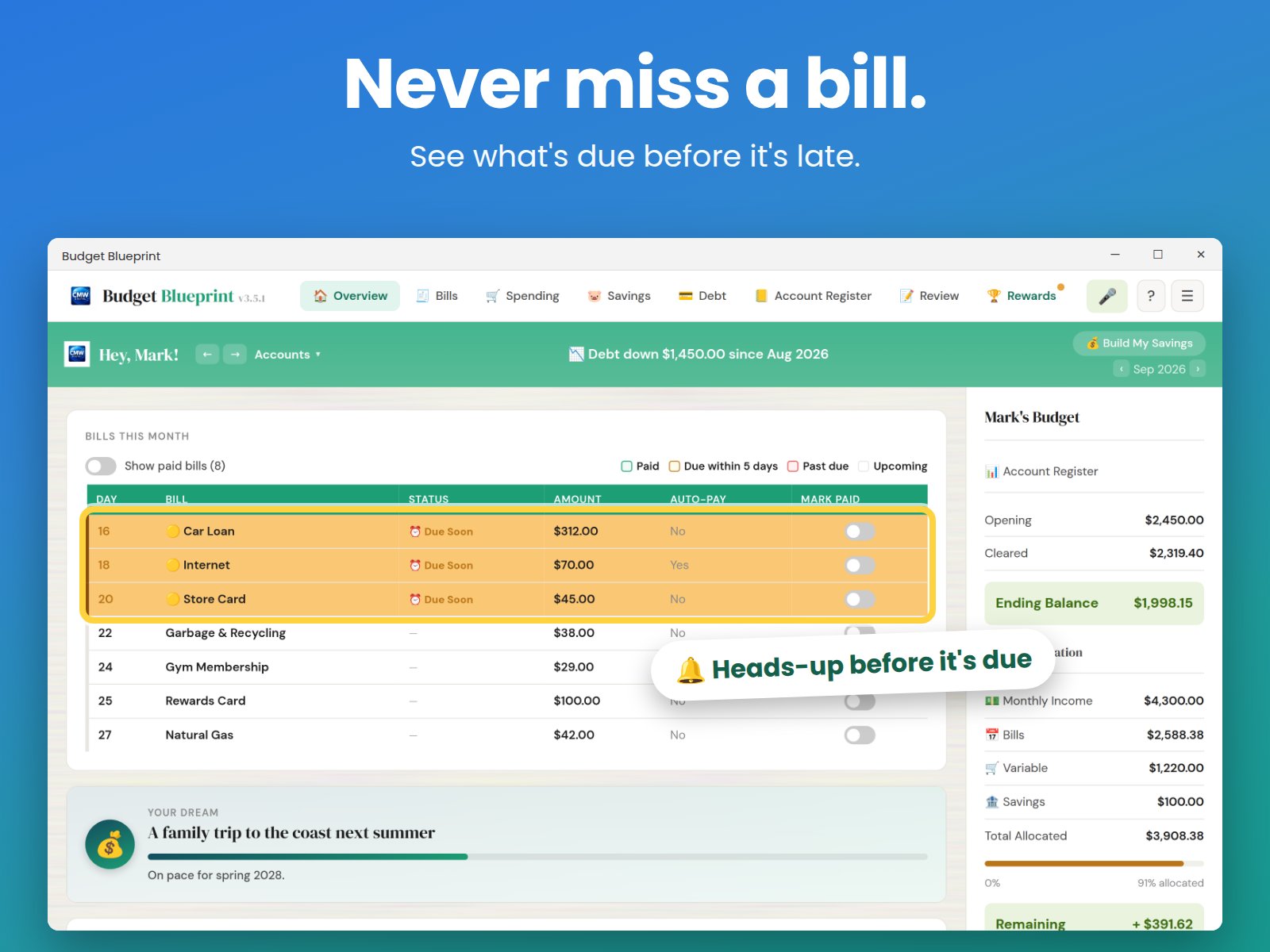
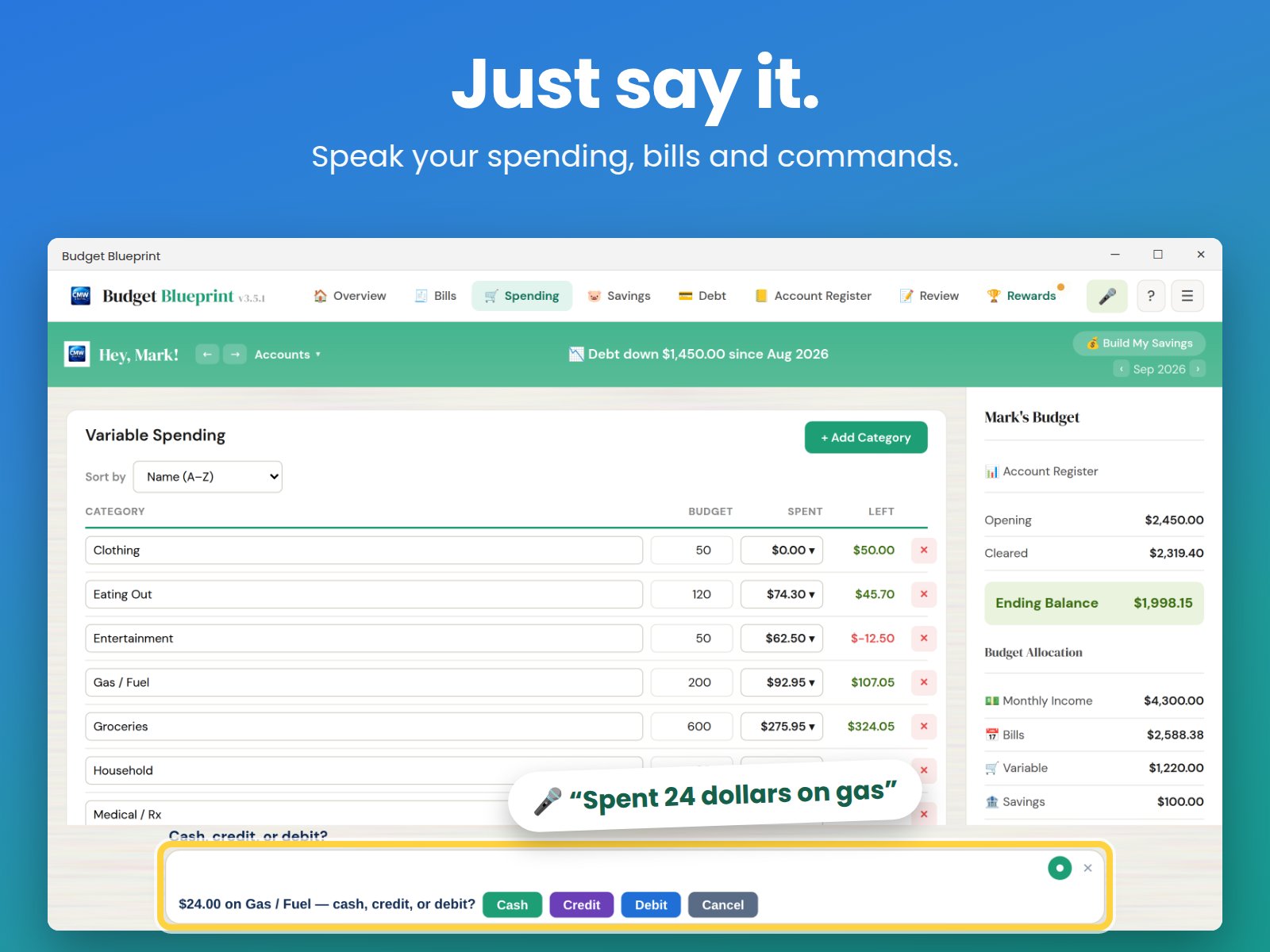
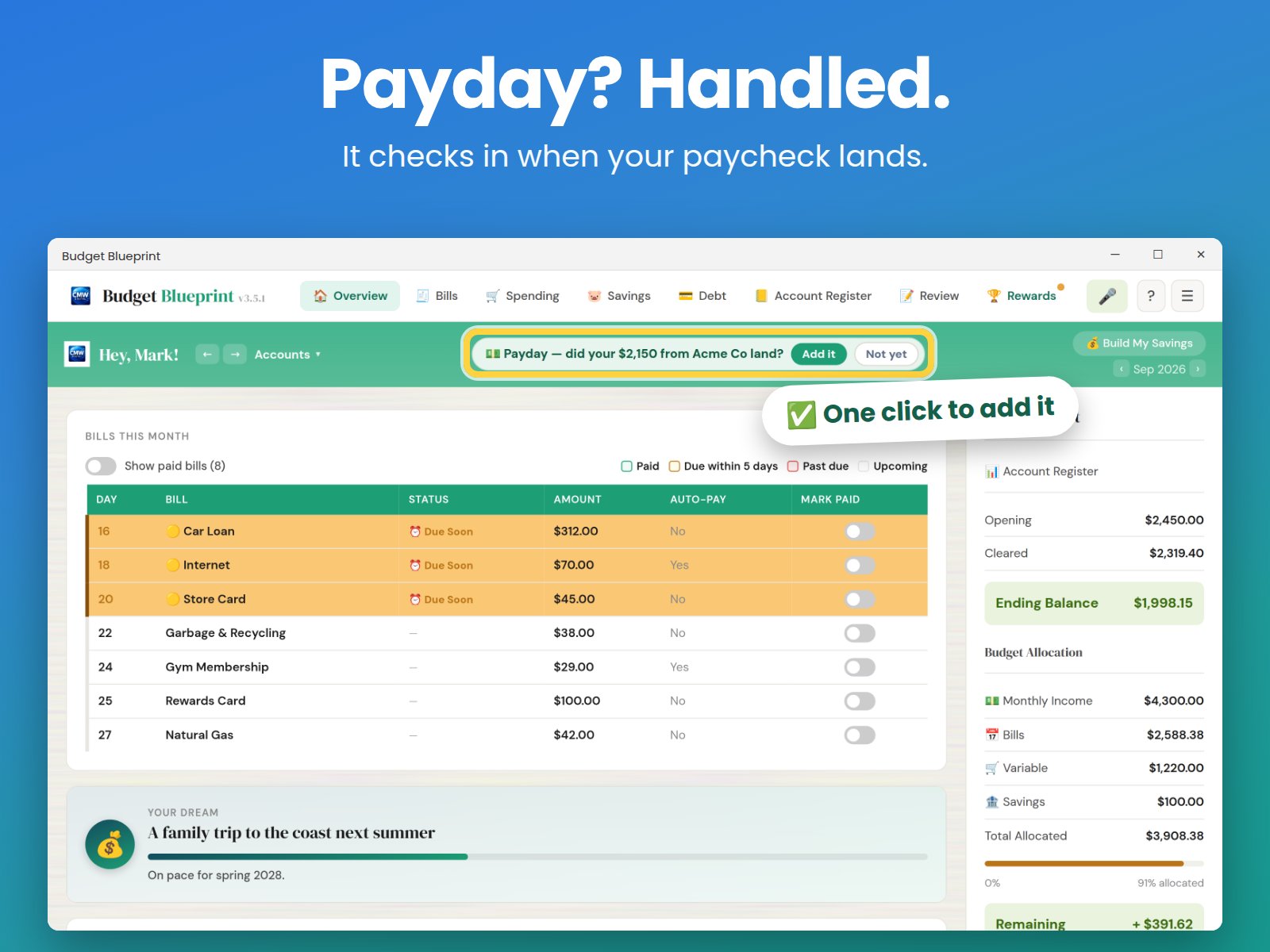
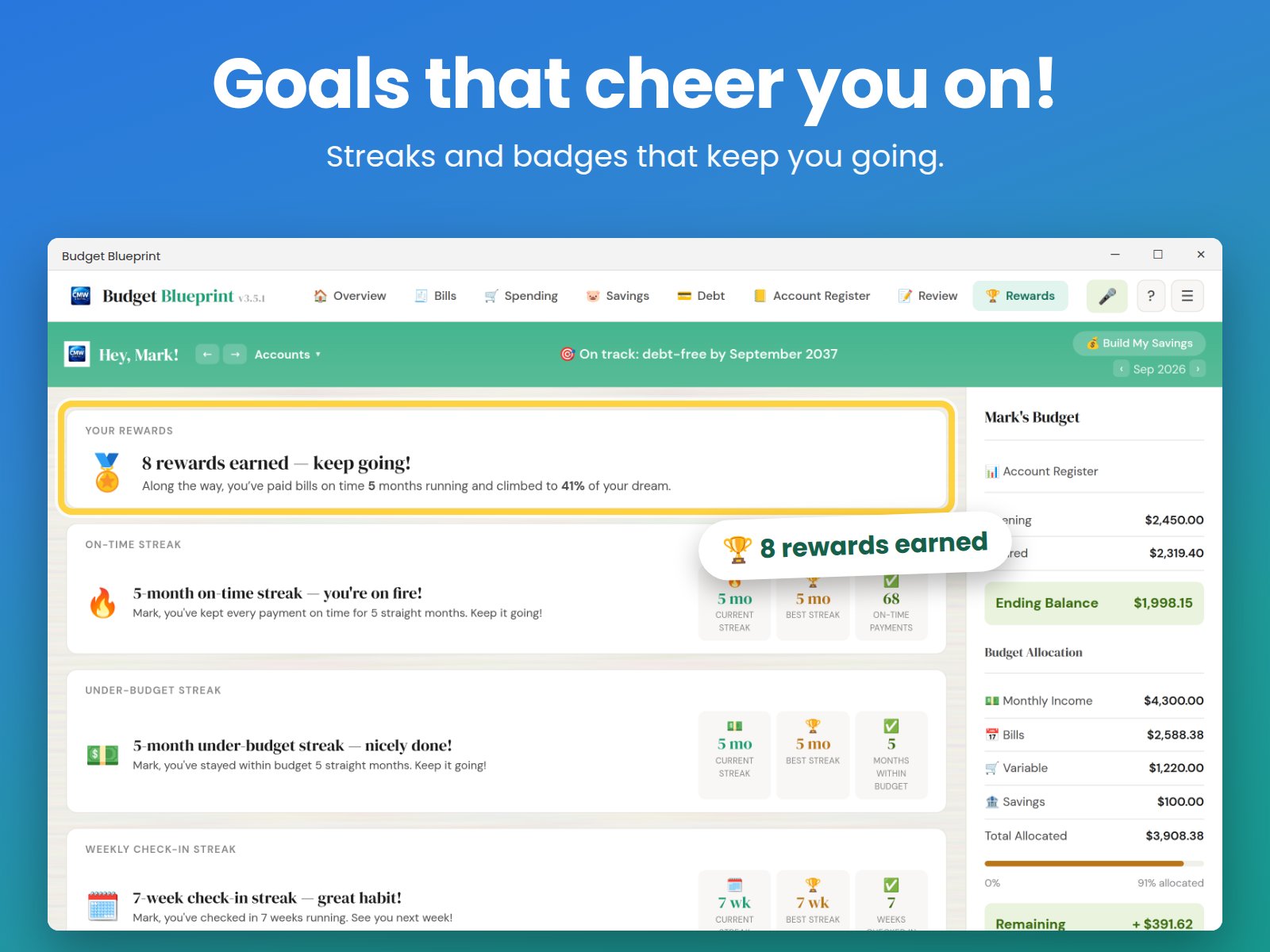
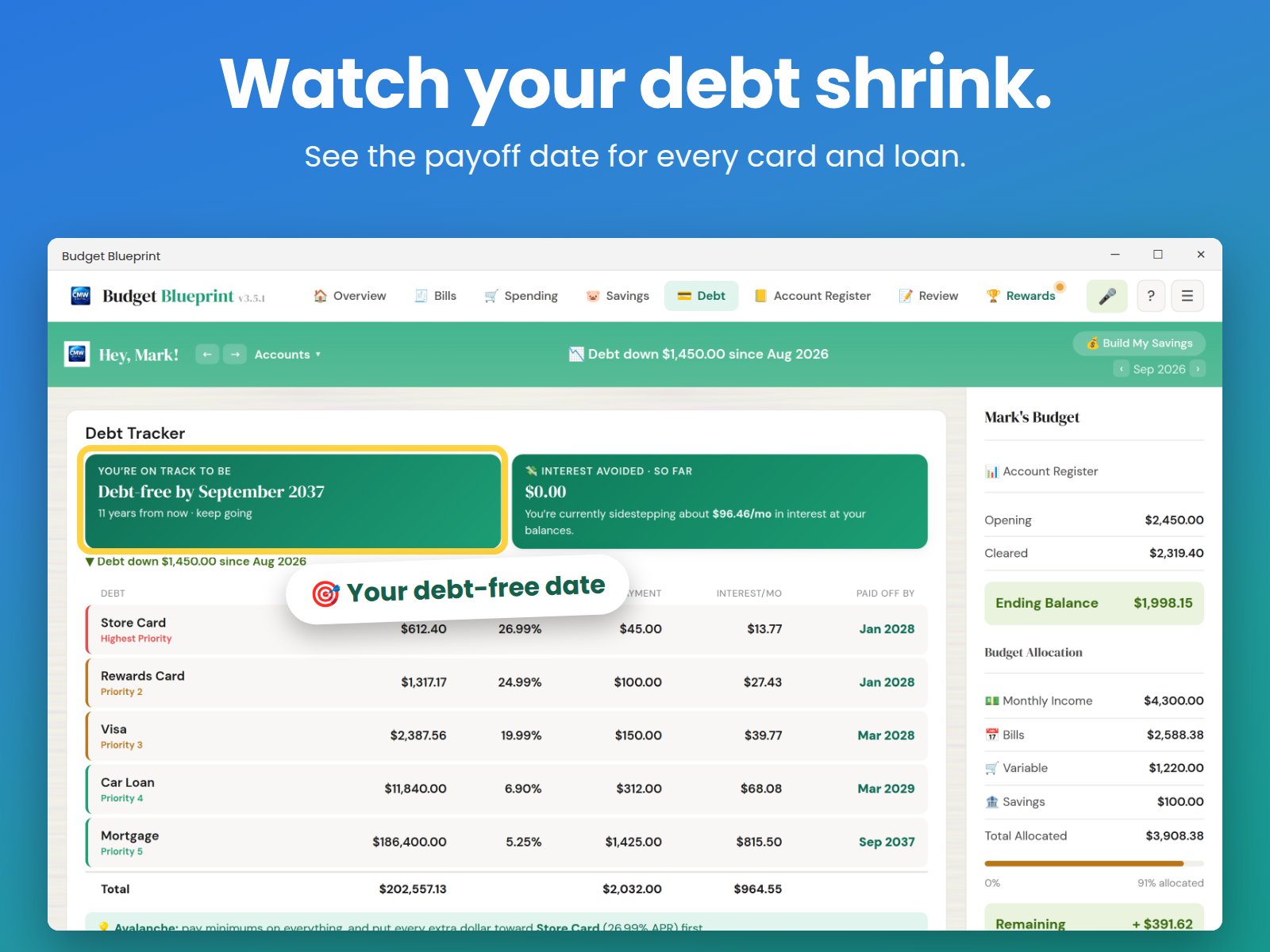
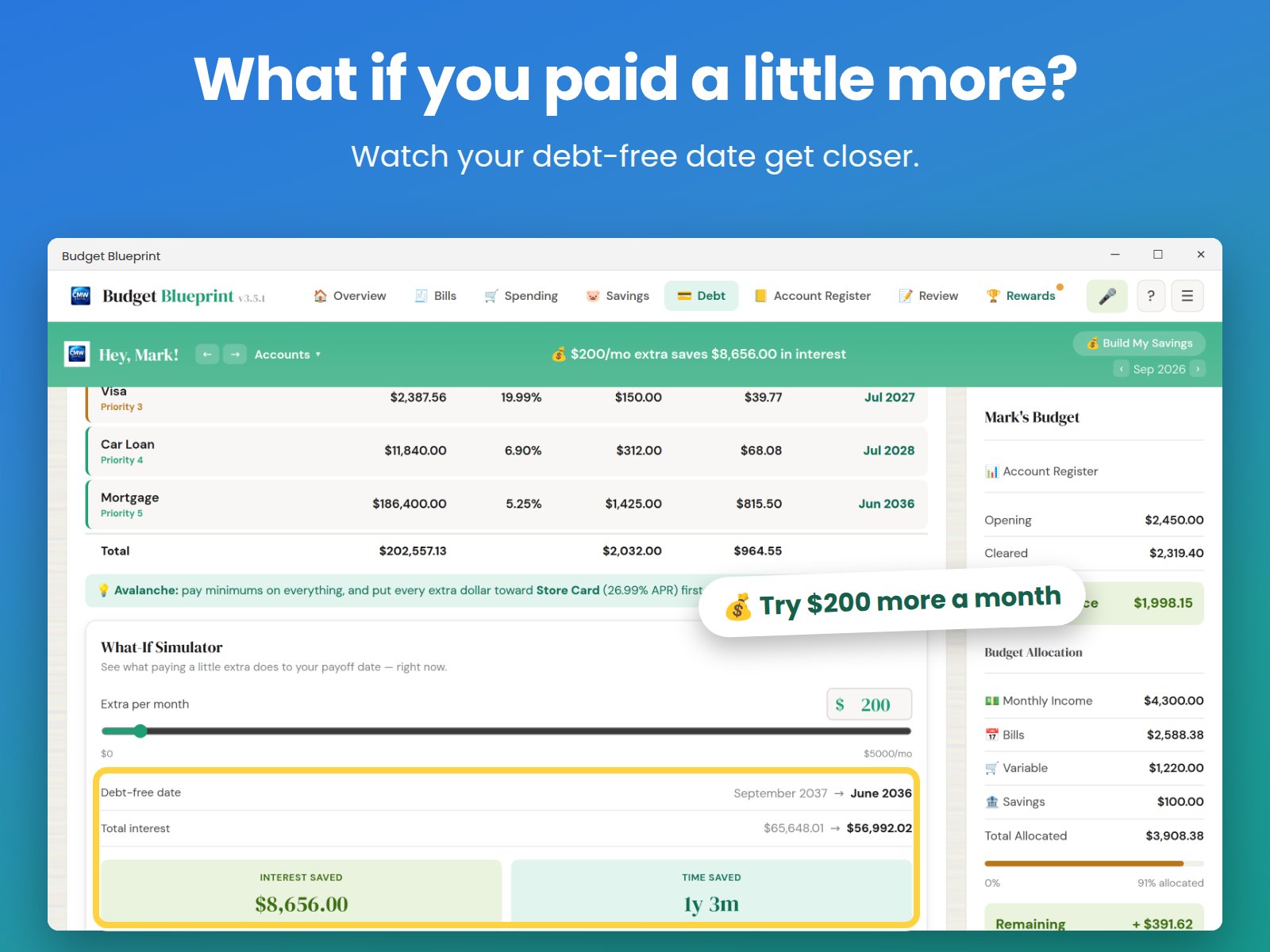
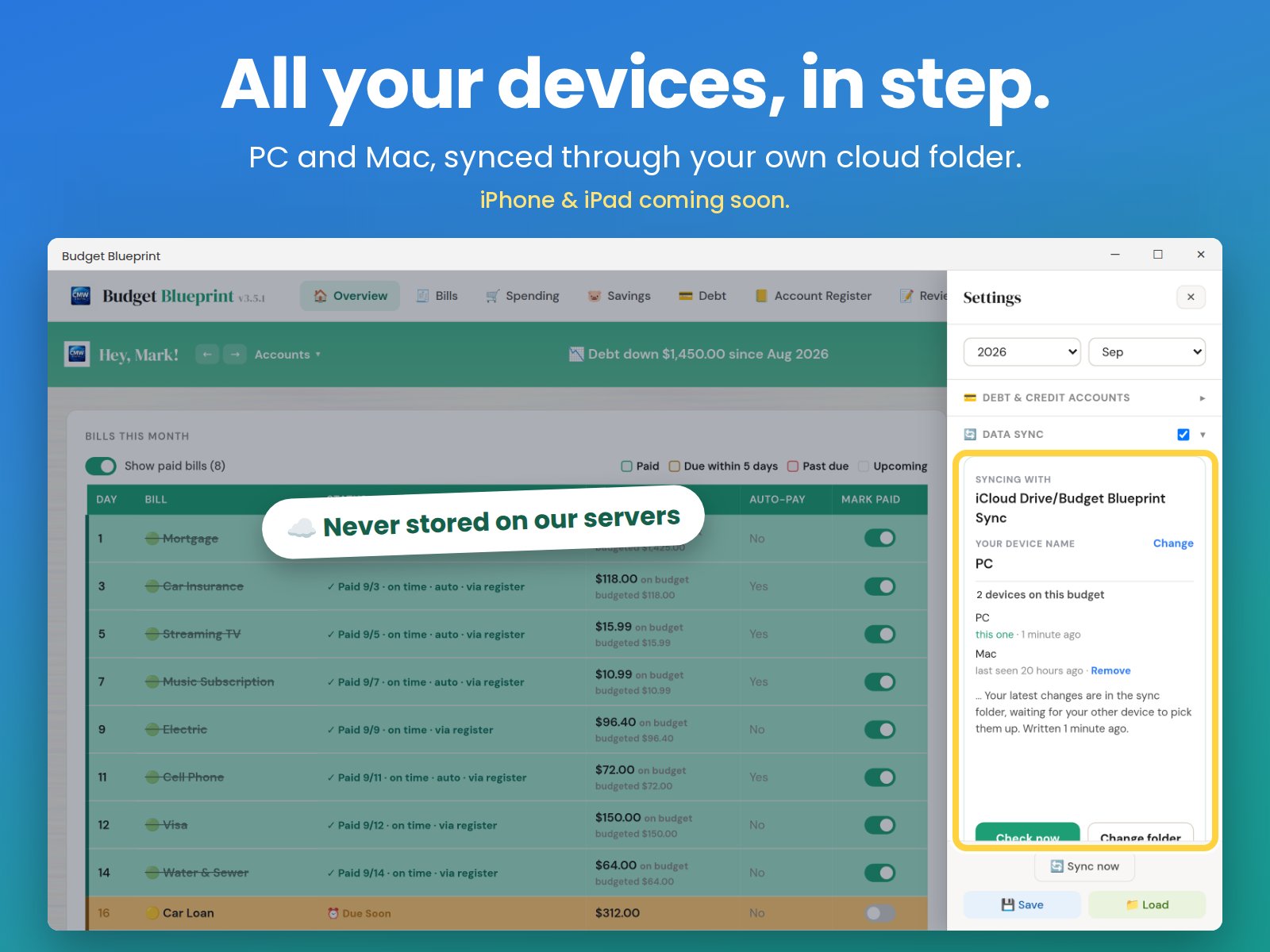
Budget Blueprint is a budgeting app for Windows and Mac that works without the cloud or the compromises. Your money stays yours.
See it in action
Why it's different
Most budgeting apps require an internet connection and a subscription. Budget Blueprint runs entirely on your device, and you can buy it once or pay monthly — whichever fits how you want to use it.
Buy it once and it's yours, or pay monthly if you'd rather not pay the one-time cost up front. Either way, you get the full app.
Everything stays on your device. No accounts, no bank connections, no third parties ever seeing your financial data. If you want your numbers on a second device, Cross-Device Sync moves them through a folder you choose.
Purpose-built for budgeting. No clutter, no account setup, no learning curve. Get started in minutes.
How we compare
We checked ourselves against the budgeting apps people actually compare us to — voice-first apps, subscription-only apps, and the category standards. Here's where we lead, where we're right in step, and where we're honestly still catching up.
← Scroll to see price & platforms →
| App | One-Time Purchase | Voice Entry | Categorization | Household | Debt Tools + Rewards | Price | Platforms |
|---|---|---|---|---|---|---|---|
| Budget BlueprintThat's us | ✓ from $9.99 | ✓ with review + full undo | ✓ You decide (offline, no AI) | ✓ One license per household | ✓ | Free, or from $9.99 One-time or monthly · See all options → |
Windows, Microsoft Store, Mac Coming soon: iOS & Android |
| Peggy | ✗ | ✓ | Algorithm decides | ✓ | ✗ | $3.99/mo or $24.99/yr | iOS, Android |
| MonAI | ✗ | ✓ | Algorithm decides | Partial — Apple Family Sharing, up to 6 | ✗ | Free + subscription | iOS, Android |
| Voxoro | ✗ | ✓ 50+ languages | Algorithm decides | ✗ | ✗ | Free tier, or Premium ~$3–4/mo | iOS only |
| Cleo | ✗ | ✗ chat-based | Algorithm decides | ✗ | ✗ | Free + $5.99–$14.99/mo | iOS, Android |
| YNAB | ✗ | ✗ | ✓ You decide | ✓ shared subscription | ✗ | $9.08–$14.99/mo or $109/yr | iOS, Android, Web |
| Monarch | ✗ | ✗ | Algorithm decides (rules-based) | ✓ | ✗ | $8.33–$16.67/mo | iOS, Android, Web |
| Copilot | ✗ | ✗ | Algorithm decides | ✗ | ✗ | $7.92–$13/mo | iOS, macOS, Web |
| Goodbudget | ✗ | ✗ | ✓ You decide | ✓ | ✗ | Free, or $10/mo ($80/yr) | iOS, Android, Web |
Pricing and features checked September 2026. Competitors update their plans often — worth a double-check before you switch.
One-Time Purchase: every other app on this list is subscription-only. Budget Blueprint is the only one where you can pay once and own it — no required recurring bill.
Debt Tools + Rewards: no competitor here pairs debt payoff tools with a rewards system for sticking to your budget. Budget Blueprint is the only one that does both.
Categorization: Budget Blueprint doesn't have an AI that guesses your categories for you — that's not an oversight, it's the offline promise. An AI categorizer needs a live connection to run, and Budget Blueprint never phones home. So the app is built the other way around: you decide, every time.
Voice Review: nothing else on this list confirms a dedicated review queue with Accept, Edit, and full Delete/undo for what voice entry created — Budget Blueprint is the only one that combines voice entry with keeping you in control of it afterward.
Platforms: today that's Windows, the Microsoft Store, and Mac. iOS and Android are in development — timing to come.
See it in action
How it works
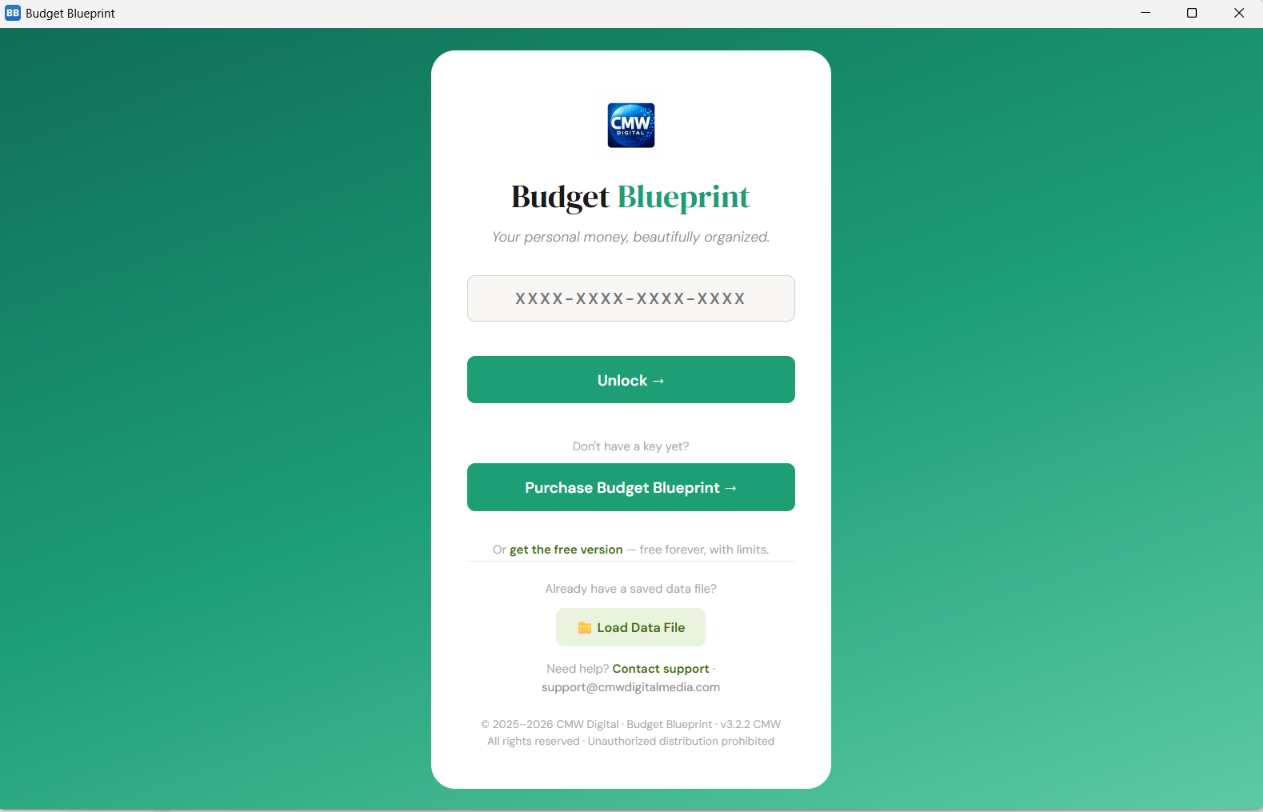
Download Budget Blueprint for Windows or Mac. Get a license key, activate the app. Takes two minutes.
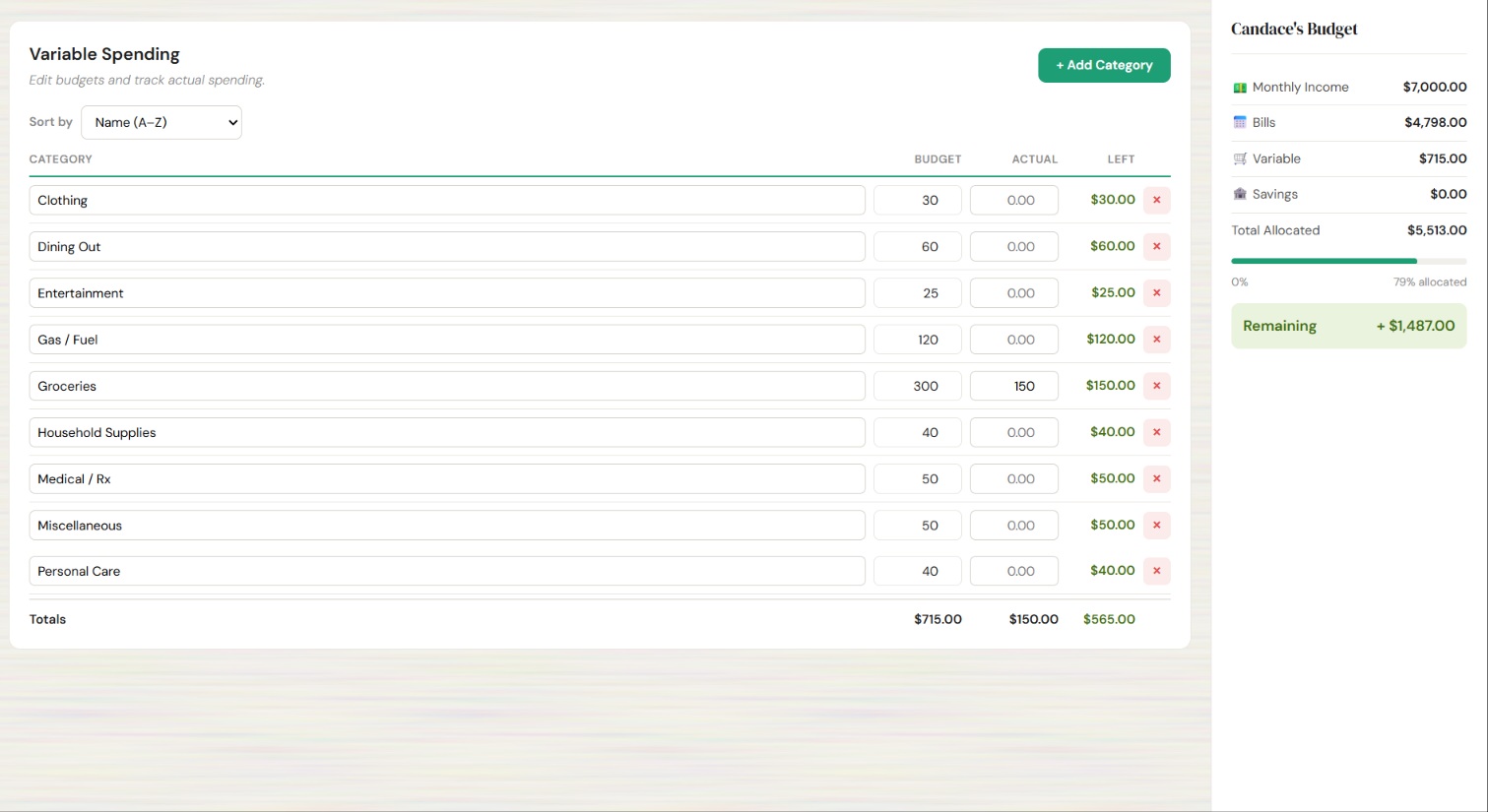
Add your bank accounts (manually — no connections). Categorize and balance. All yours, all private.
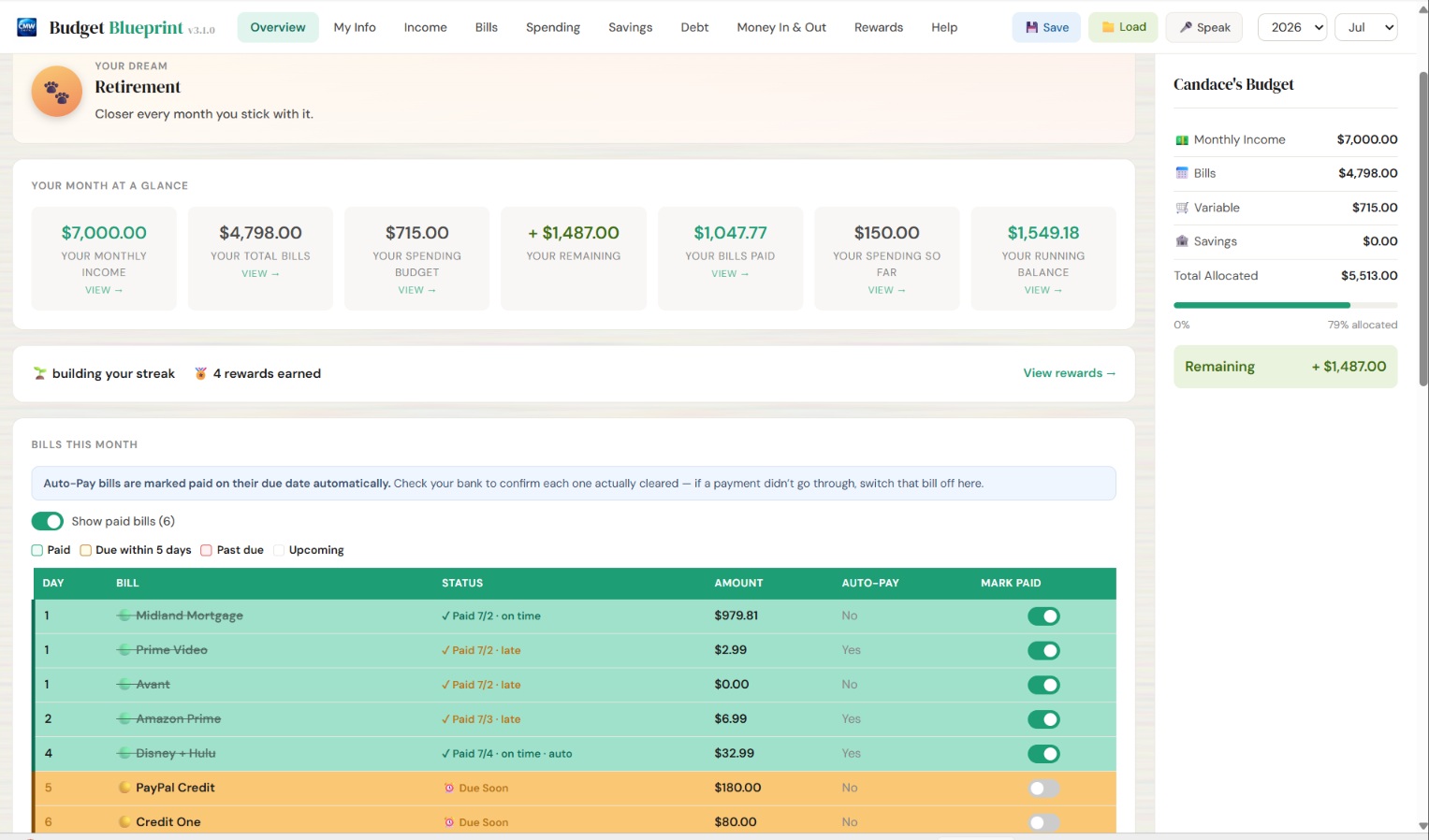
Log spending, plan ahead, reach your goals. Track voice notes or type. Stay on top, month after month.
Because Budget Blueprint is brand-new independent software, Windows may show a SmartScreen or security warning the first time you open it. This is completely normal — it just means the app is new and hasn't built up a download history yet, not that anything is wrong.
To run it, look for a screen naming "CMW Digital" as the publisher, then click "More info" and "Run anyway." That's it. As more people download Budget Blueprint, these warnings naturally go away. Step-by-step screenshots are on our Download page.
On Mac, the app is signed and notarized by Apple, so you won't see an equivalent warning there.
It's the same reason we don't ask for bank logins or cloud accounts — your privacy and control come first.
Questions?
Yes — completely. It's a standalone application for Windows or Mac. Once it's installed, you never need a connection to use it. Nothing uploads or phones home. Cross-Device Sync is there if you want it, and it only moves your data through a folder you pick.
Never. There are no bank connections and no logins of any kind. You enter your numbers yourself, which means your financial data stays entirely on your device.
Both options are available. No Voice, With Voice, and Lifetime are one-time purchases — pay once and it's yours. Subscription and Combo are monthly plans instead, for anyone who'd rather not pay the one-time cost up front. Pro Voice and MS Voice+ are optional monthly add-ons that extend your voice minutes on a key you already own. All subscriptions and add-ons can be cancelled anytime. See our pricing page for the full comparison.
Budget Blueprint Free is free forever, so you can try it and see if you love it as much as we do. It has capped limits (8 bills, 8 categories, 2 income streams, 1 savings goal), and Voice, sync between your devices, and Retirement & Investments are part of the paid version. When you’re ready, upgrade once and it’s yours to keep. One-time purchases: No Voice ($9.99, type your entries, no limits), With Voice ($19.99, speak or type), and Lifetime + Voice ($49.99, free updates forever + priority support). If you'd rather not pay the one-time cost, Subscription ($3.99/month) and Combo ($9.99/month) give you the same full app access billed monthly instead. Pro Voice and MS Voice+ ($6.99/month) are optional add-ons that extend your voice minutes on a key you already own. Compare every option side-by-side on our products page.
Email support is included with every edition. We respond within 24–48 hours on weekdays. Just reach out to us and we'll help you get sorted.
Purchases made here are covered by a 30-day money-back guarantee. If Budget Blueprint isn't right for you, just contact us within 30 days of purchase and we'll refund you in full — no questions asked. Bought through the Microsoft Store instead? Those refunds go through Microsoft, under their policies rather than ours. Full details, including how subscriptions work and how to cancel one, are on our refunds page.
Budget Blueprint runs on Windows and Mac (Apple Silicon). One license key works on either platform, or both. After purchase you'll receive a download link and a license key to activate it. The whole setup takes just a couple of minutes.
Your version number is shown in the app header, and again on the Help & About screen in the Settings drawer, which also shows the build number. If you're on an older version, updating is the quickest fix for most small issues — the app checks for updates and lets you know when a new version is ready, or you can grab the latest installer from the Download page and run it right over your existing install. Your data and settings stay exactly where they are.
No problem — compare every edition side-by-side on our products page. See exactly what's included in each edition.
Join the families putting their money back in their own pockets — privately, simply, and on their own terms.
Explore Your Options →Works offline · Windows & Mac · 30-day guarantee